 Interactive
Salesforce
Lead Import
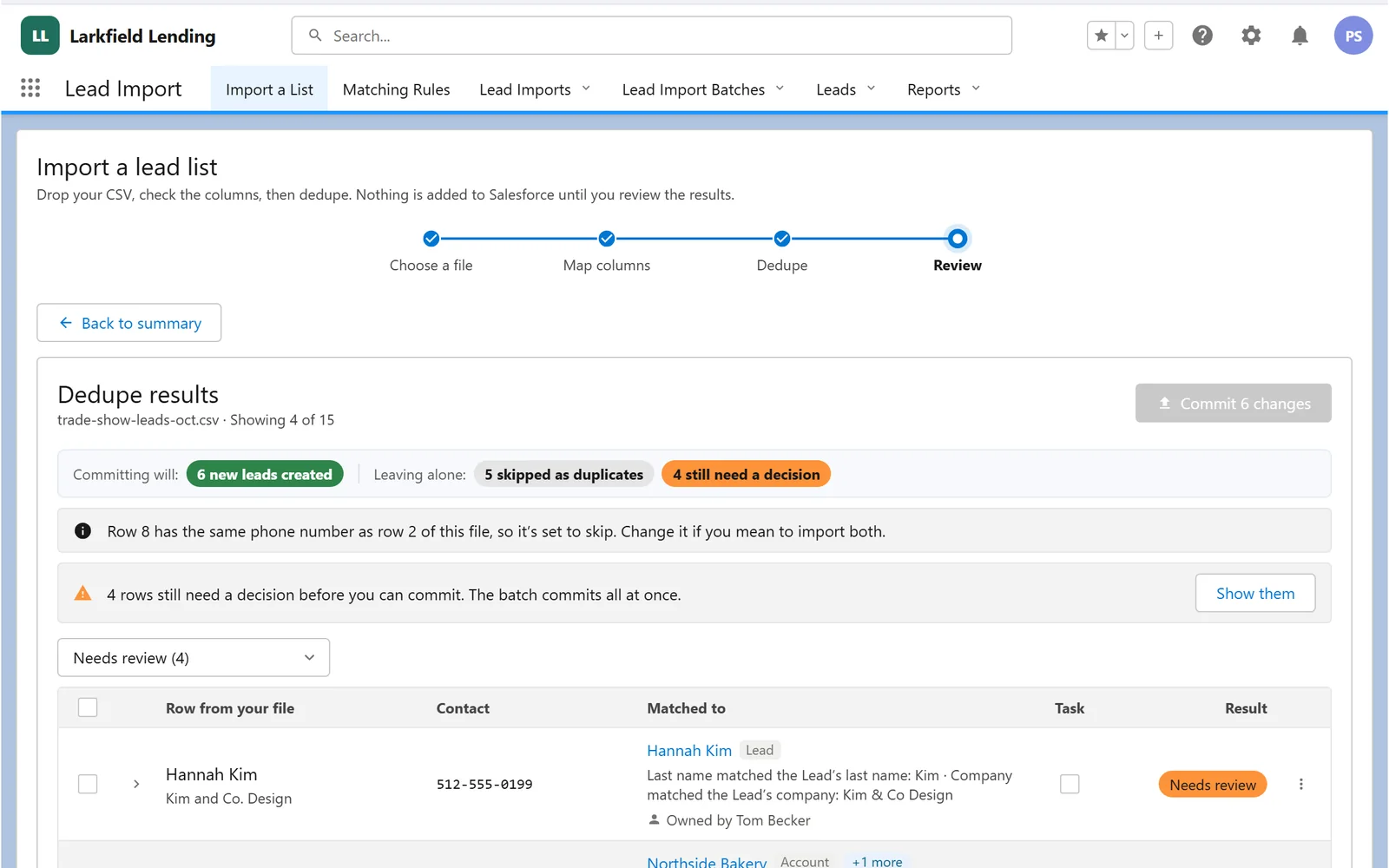
Drop in a messy spreadsheet: columns map themselves, every row is checked for duplicates, and nothing lands until you've reviewed it.
Try it

Interactive· Salesforce
Matching rules that read like sentences. Put them in priority order, switch them on and off, and test any record against them.
These run top to bottom on every list you import. The first rule that matches decides what happens to a row.
Try this: Pick Dev Patel, then drag “Leads being worked” above “Standard dedupe”. Watch the result.
Catches the obvious repeats: a phone number or a name-and-company that already exists as a Lead.
Flags any row whose phone or company already belongs to a customer, so you never re-market to one.
Catches rows whose email or phone already exists as a Contact.
Flags a row that matches a Lead a rep has touched recently, so you don’t step on an active conversation.
Uses the numbers on file: rejects a row whose number is already verified, flags one marked do not call.
About This Piece
Duplicate-matching rules for a lead import, written by the people who know the business, not by developers.
The real engine is Apex with a Lightning Web Component editor, configured with custom objects. This demo runs the same logic in your browser against a small made-up CRM.
InteractiveSalesforce
Drop in a messy spreadsheet: columns map themselves, every row is checked for duplicates, and nothing lands until you've reviewed it.
Try it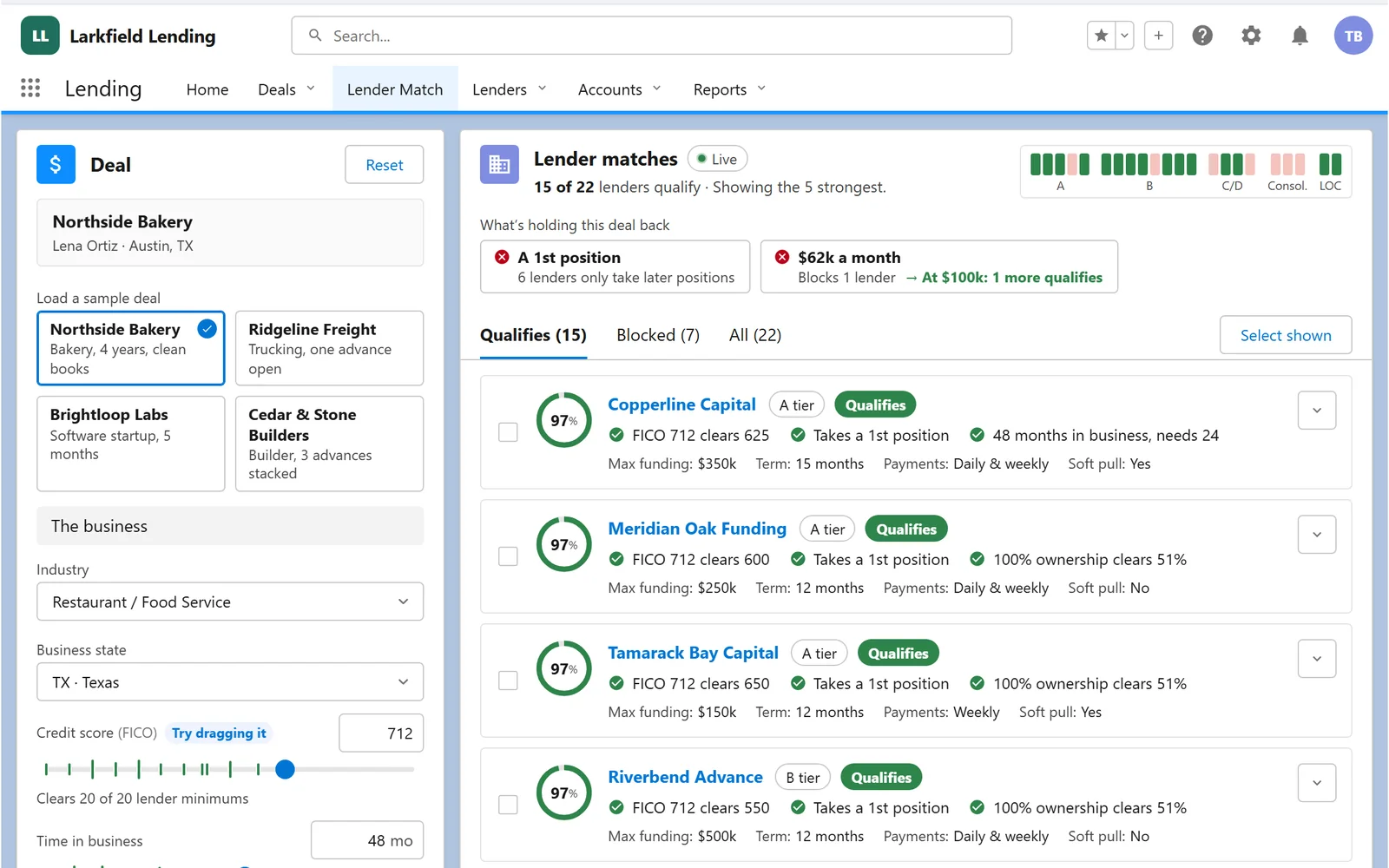 Interactive
Salesforce
Enter a deal and watch every lender score it live: hard rules block, soft factors nudge, and the best fits rise to the top.
Try it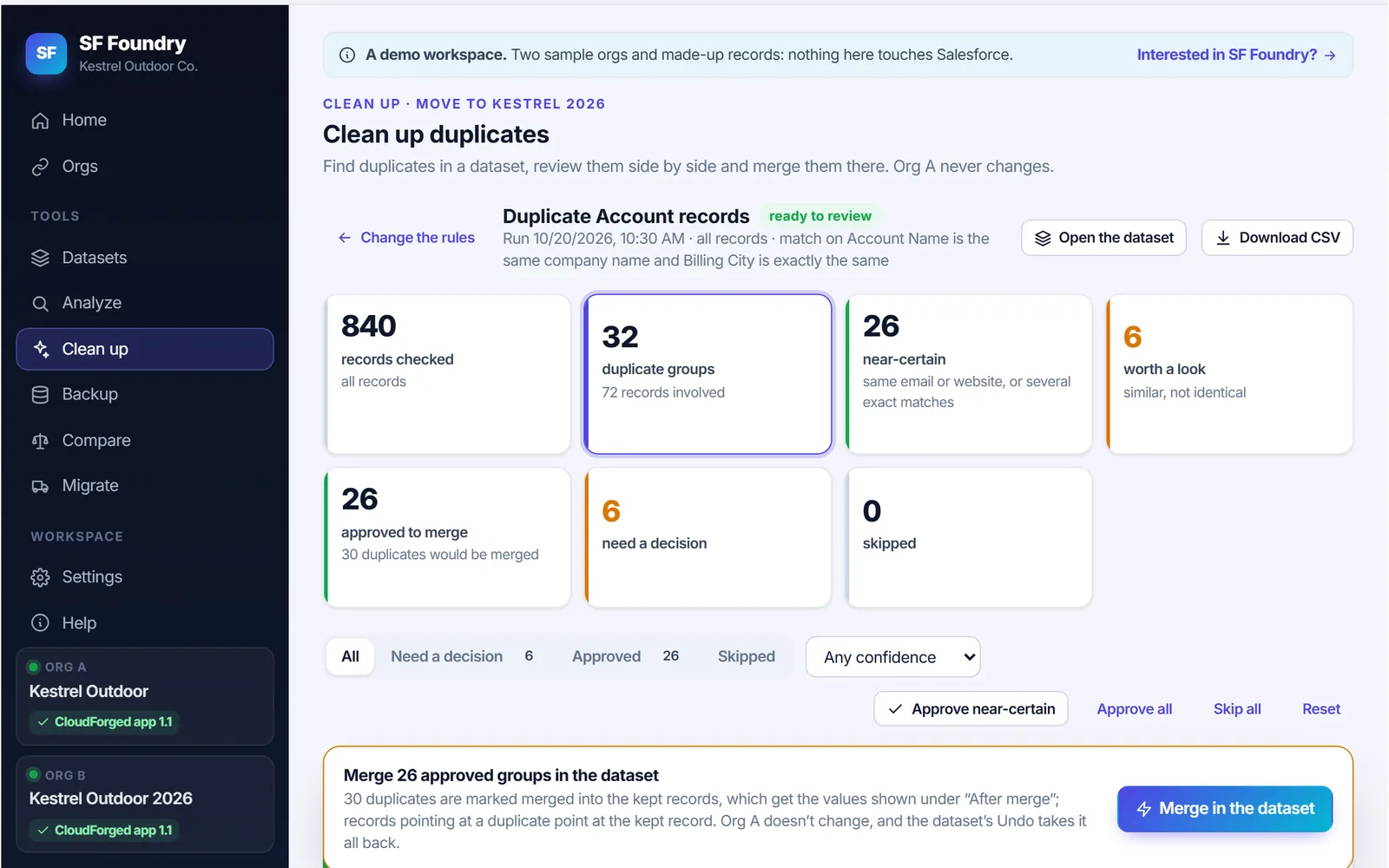 Interactive
Salesforce
Our own tool for Salesforce orgs: a health check where every number opens its records, clean-ups that read like sentences, backups, and a guided move into a new org.
Try itTell us what slows your people down. We’ll show you what we’d build, and how it would fit the systems you already run.